Quality
Speed
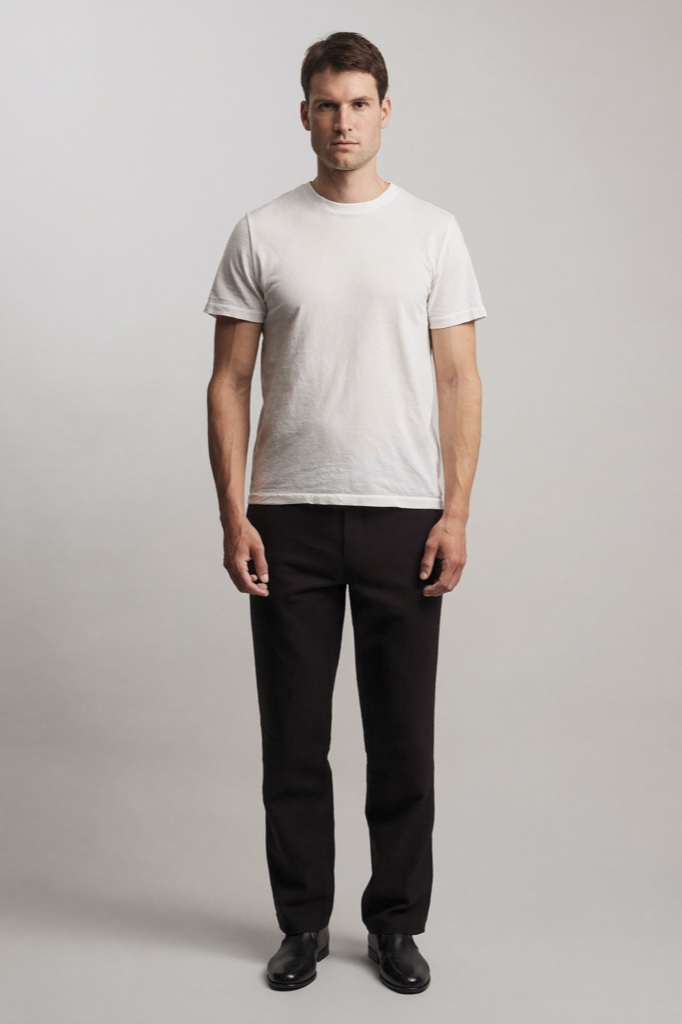
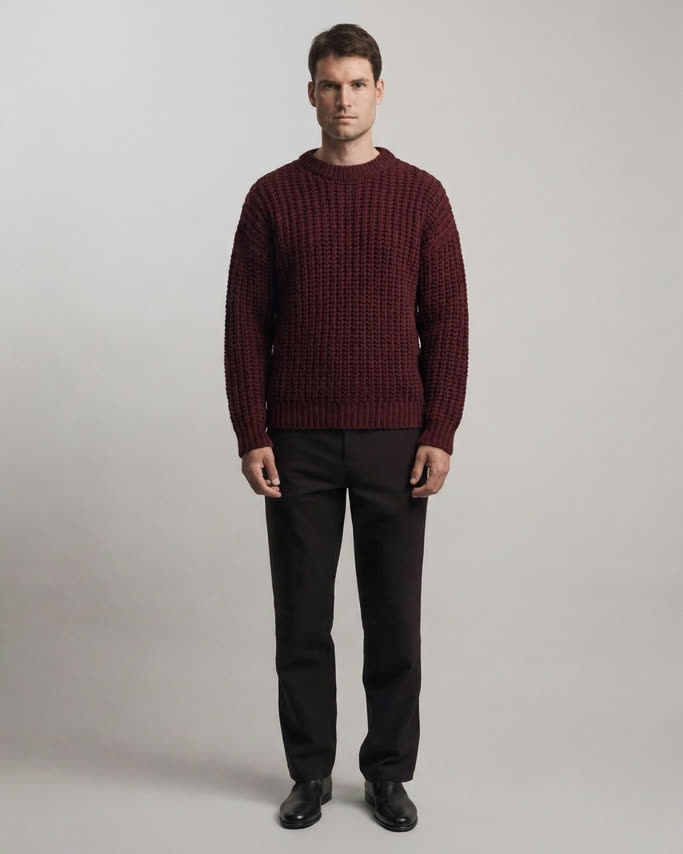
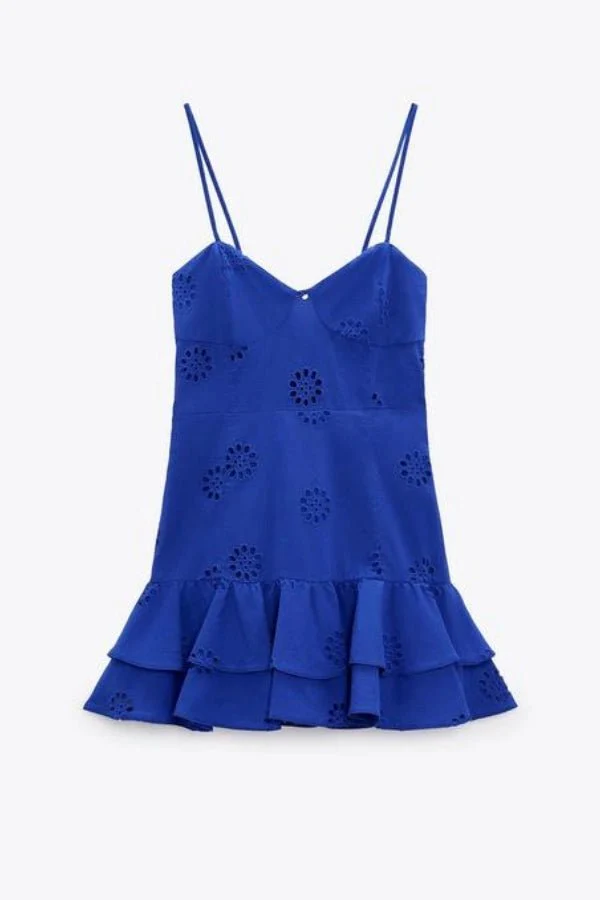
TryYou adds a virtual try-on button to your product pages. Shoppers upload a photo, and AI shows them wearing the item in under a minute. Built for clothing first: eyewear, bags and shoes work too.
Test it on your own products first: 10 free try-ons, and nothing shows on your storefront until you turn it on.
Also on the Shopify App Store ↗See it in action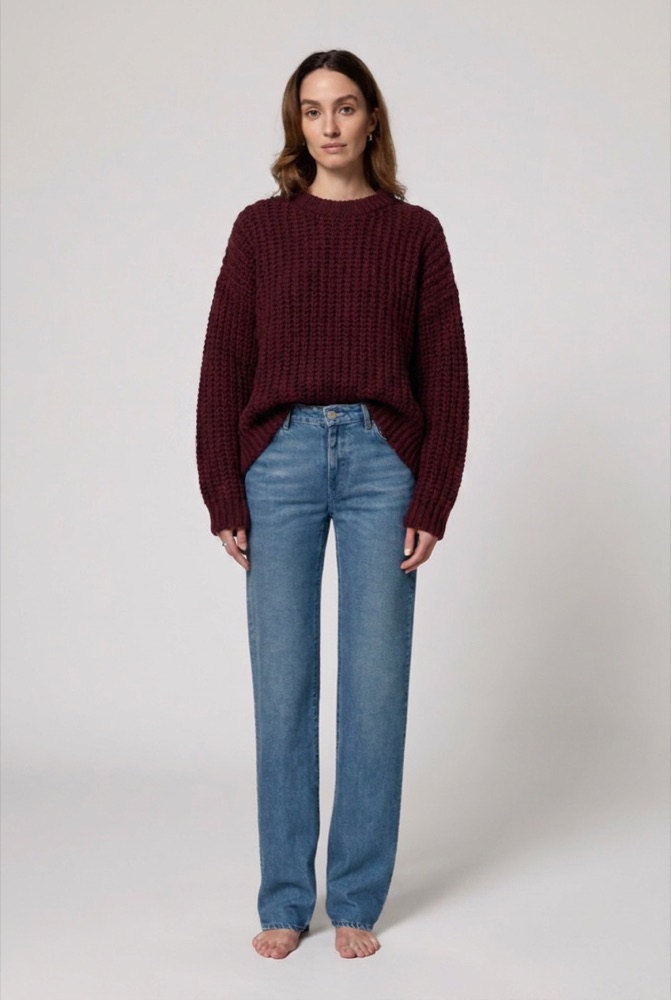
Sourced industry numbers. And once you are live, your dashboard shows your own, order by order.
Product pages with try-on or AR content convert up to 94% better than static images.
Source: ShopifyRetailers adding AR and virtual try-on see return rates drop by around 40%.
Source: Vertebrae / SnapThe number one reason fashion gets sent back. Seeing it on yourself fixes it at the source.
Source: McKinseyDo the math: one avoided return, even at just $10 of handling, pays for 250 try-ons on Light, or 50 on Pro.
TryYou drops onto your product pages from the theme editor. Choose where it lives, match it to your theme, ship in one click.
AETHEL
$64.00
Try it on virtuallyAdd to cartHow it works
Add TryYou to your Shopify store in a few clicks.
Drop the try-on block on your product pages from the theme editor.
They upload a photo and see themselves wearing your product instantly.
Start with 10 free try-ons. Then you only pay when shoppers use it, billed through Shopify on your normal invoice: no card, no separate account. Volume discounts up to -50%.
Included in every plan
You set a monthly spending cap: $5 minimum, $10,000 maximum. No fixed fees.
Two more levels sit in between (Medium $0.12, HD $0.37). Switch anytime in one click.
Example: 100 try-ons ≈ $4 on Light, $19 on Pro. Failed generations are never billed.
We checked the public pricing of comparable AI try-on apps on the Shopify App Store, app by app, and re-verified every number. Here is the honest math.
| TryYou | Comparable AI try-on apps | |
|---|---|---|
| Fixed monthly fee | $0 | $19 to $349 depending on plan |
| Per try-on, entry plan | from $0.04 | $0.13 - $0.25 |
| 100 try-ons a month | $4 on Light | $19 to $29, cheapest plan that covers it |
| A slow month (20 try-ons) | $0.80 | the full subscription price anyway |
| Commitment | None. You set a hard cap. | Monthly subscription |
Up to 6× cheaper per try-on. And over 20× on a slow month: you never pay for an empty subscription.
Public prices checked and re-verified on the Shopify App Store on June 10, 2026, across 8 AI clothing try-on apps: LiSA, GenLook, Looksy, OnYou, Antla, Try On Twin, FitCheck, AI Virtual Try-On. Per-try-on cost = entry plan price ÷ included try-ons. Specialist AR apps (eyewear, beauty) run $49 to $569 a month.
Auto-translates for your international shoppers based on the storefront language.
Optional email capture before the result reveal, pushed to Shopify Customers or Klaviyo. Soft or hard wall, your call.
Built-in analytics attribute orders and revenue to try-ons: true conversion, revenue by product, CSV export.
Yes, and no. TryYou is a native Shopify theme block: you switch it on from the theme editor, with zero code and no developer. It works on any Online Store 2.0 theme, and if you uninstall, nothing is left behind in your theme.
No. Everything goes through Shopify Billing: charges appear on your Shopify invoice, and you set a monthly cap ($5 to $10,000). At the cap, try-ons simply pause: you are never billed past it. Adjust it anytime.
Yes. Every install includes 10 free try-ons in a private playground, on your own product photos. Nothing shows on your storefront until you enable the block, so you check the quality on your catalog at zero cost.
Photos are processed in real time by our AI providers (Google, OpenAI, or ByteDance/BytePlus as a fallback, named in our privacy policy), then discarded: never stored on our servers. We keep no shopper names or emails, IPs are anonymized, and Shopify's GDPR webhooks are honored end to end. The app only asks for read-only store permissions.
No. The block loads small, minified assets only on the product pages where you enabled it, without blocking rendering or shifting your layout. The rest of your store is untouched.
TryYou shines on apparel: tops, knitwear, dresses, outerwear. Eyewear, bags and shoes work well too. For watches and fine jewelry, results are less reliable: use your free try-ons to check your own catalog first.
A button on your product page that opens a try-on window: no account, no app, no redirect. It auto-translates into 17 languages based on your storefront language, and any wording you customize always wins.
Test it on your own products first: 10 free try-ons, and nothing shows on your storefront until you turn it on.
Also on the Shopify App Store ↗Built and supported by Leo, solo founder. Every support email gets a personal answer, fast.